Barcode Generator & Design Studio
Create Code 128, EAN, UPC, Code 39, Data Matrix and other barcodes directly in your browser. Customize sizing, colors, and margins, then export vector SVG or PNG.
Supports all ASCII characters (letters, numbers, punctuation). (All ASCII 0–127 characters)
Standard mode preserves exact GS1/ISO barcode symbology geometry, quiet zones, and height ratios. Recommended for retail packaging and commercial labels.
Browser-First Vector Barcode Generation and Design
High-precision symbology rendering with zero server latency
Barcodes form the backbone of modern global commerce, logistics, retail, and inventory control. From point-of-sale retail checkout scanners to automated warehouse sorting belts, precise bar-width geometry and quiet zone margins are critical for fast, error-free optical scanning.
Modifyle provides a private, client-side Barcode Studio engineered for reliability. Powered by client-side vector rendering, your barcodes are generated instantaneously without sending SKU numbers or sensitive business data over the network.
Modifyle offers two distinct rendering modes: Standard Mode enforces strict GS1 and ISO symbology geometry for commercial packaging, while Styled Mode enables custom brand colors with real-time WCAG contrast warnings.
Whether you need a single Code 128 barcode for a shipping label, EAN-13/UPC-A codes for retail merchandise, or small CSV bulk generation packaged into a single ZIP archive, Modifyle delivers production-ready vector assets completely free of charge.
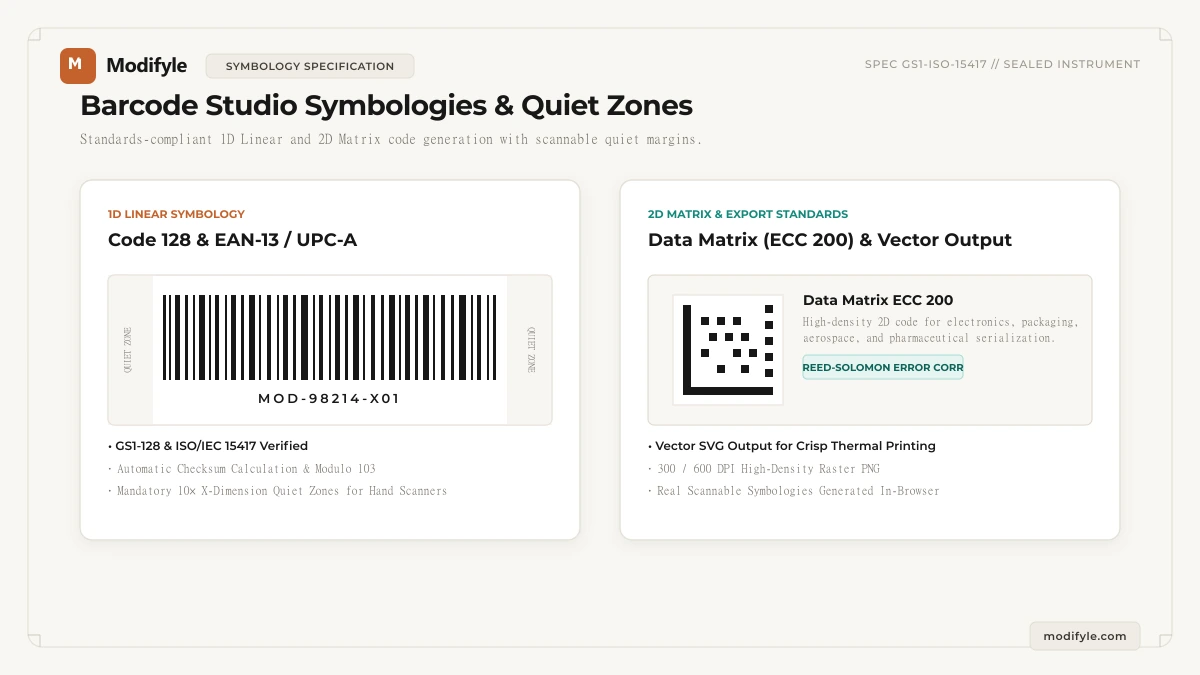
What Can You Use This Tool For?
Real-world problems solved and intended workflows for this tool.
Warehouse Inventory & Bin Location Labeling
Warehouses tag pallet racking, storage totes, and picking bins with high-density barcodes encoding aisle, rack, and shelf coordinates.
Shipping Container & Carton Labeling
Fulfillment centers require tracking barcodes on master packing cartons to verify contents during dock intake.
Internal IT Asset Tagging
Corporate IT departments tag laptops, monitors, and network switches with serial numbers and asset IDs.
Manufacturing Work-in-Progress (WIP) Tracking
Assembly line traveler sheets track components through welding, painting, and quality control checkpoints.
How It Works in 3 Simple Steps
Select Symbology
Choose your format (e.g., Code 128, EAN-13, UPC-A, Data Matrix).
Enter Data & Style
Input SKU numbers or product data with automatic check-digit verification.
Export or Bulk ZIP
Download crystal-clear SVG/PNG files or package CSV batch items into a ZIP.
- Code 128 is a 1D linear barcode. For extremely long text strings (over 40 characters), consider a 2D Data Matrix or QR code to prevent the linear barcode from becoming excessively wide.
Why choose Modifyle Barcode Studio?
Launch PDF, image, and QR tools in 1 click right from your home screen or desktop dock. 100% private, client-side, with full offline capability without internet.
Step-by-Step Technical Guides
All guidesRelated Workshop Tools
Frequently paired utilitiesHigh-density alphanumeric shipping and inventory barcodes.
International retail product identification barcodes.
Compact 8-digit retail barcodes for small packaging.
North American 12-digit retail barcodes.
Zero-suppressed compact retail barcodes.
Variable-length automotive and defense barcodes.
Outer shipping container and corrugated carton barcodes.
High-density 2D matrix codes for small parts and electronics.
2D high-density matrix barcode for travel and ticketing.
Stacked 2D barcode format for IDs and logistics.
Book publication barcodes with 978/979 prefixes.